How to change Sending Mode in Hit Em Up?
Hit Em Up gives you many ways to send messages to your customers on the platform they use most.
Let's look and see all those options and where you can edit them by selecting one of the lists.
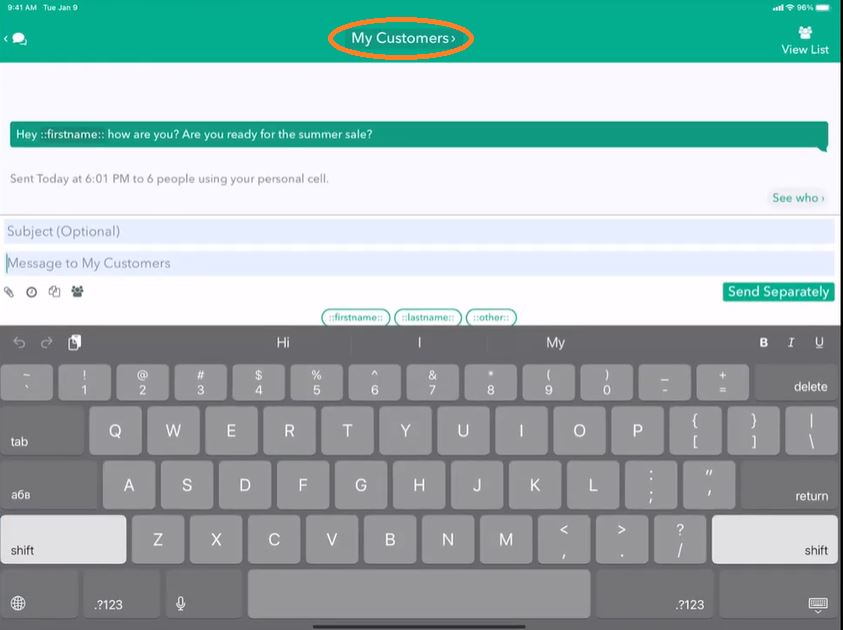
In this case, My Customers - tapping on the name at the top of the conversation.
Here you can see there's this thing that says Send Message Using and currently selected as My Phone Number.
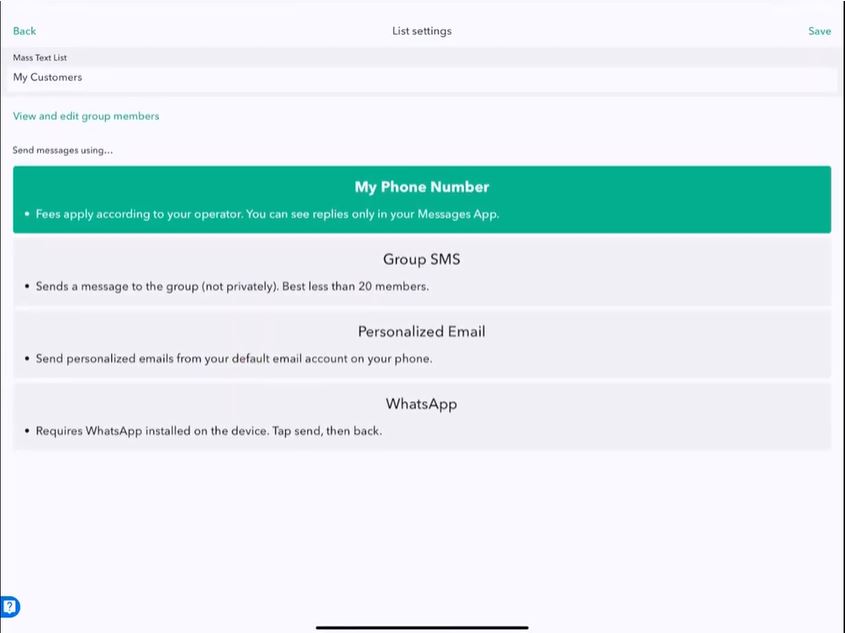
My Phone Number is the default option. It's probably the one you want. It's the one that gives you personal private messages over SMS and iMessage.
But we have other options. We can choose Group SMS.
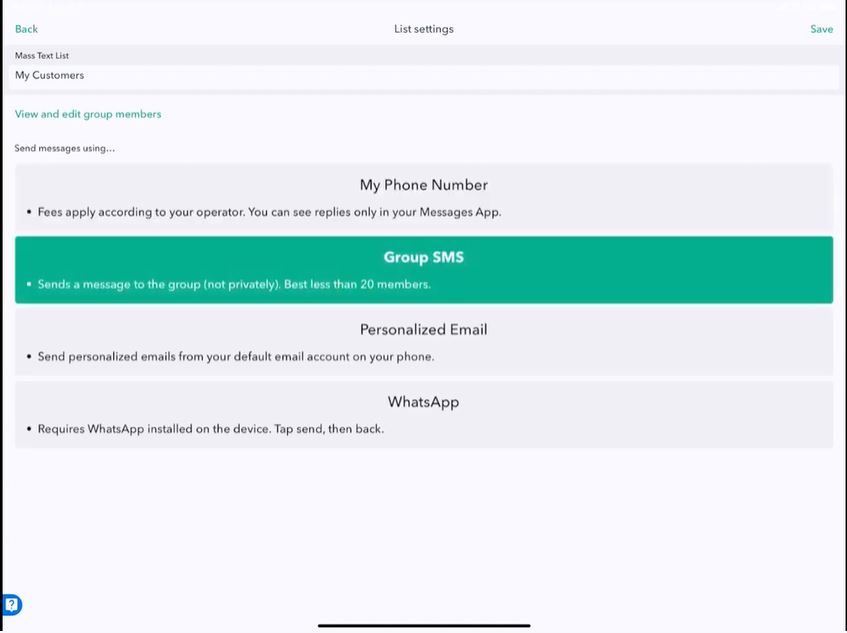
We can choose Group SMS. Group SMS is nonprivate, as in everybody can see everybody's response. Group text is only good for up to nine people on iPhone and 20 on Android. The reason for that is that the group text is really for friends, family, and small groups of people you want to send messages to. It's not designed for mass texting. If you try to mass text using this option, your phone number will get blacklisted from your carrier, so don't try.
Next, let's look at Personalized Email.
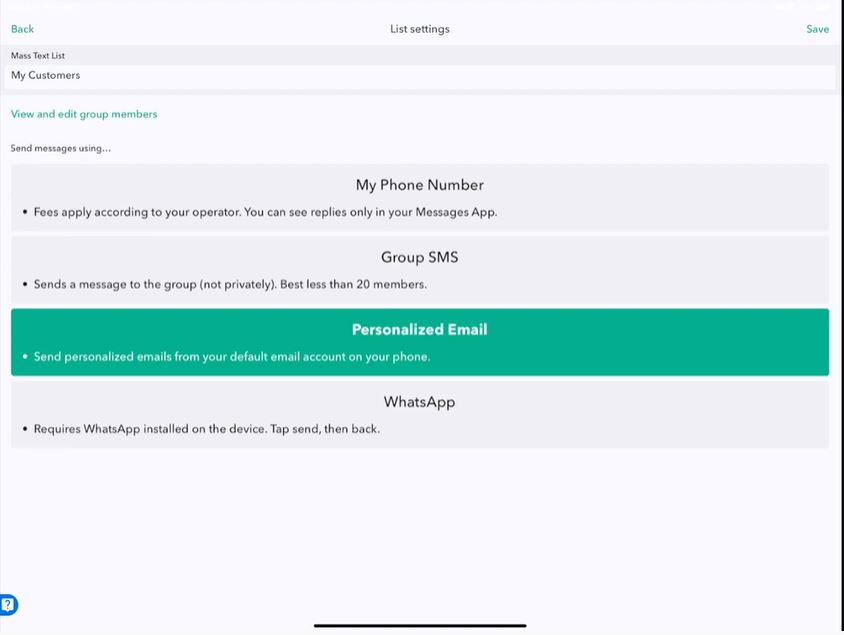
Personalized email works exactly like My Phone Number, instead of sending to a phone number or SMS, iMessage, etcetera. Personalized email sends via email, which is super cool! One great option is to use Personalized email as a way to send long-form messages because texting is designed to be just for short messages that get your point across. But suppose you need to convey a lot of information that should really be in a blog post. In that case, personalized email is a much better option, and what we like to do is send a big message via email, but then send a small notification via text message using my phone number to the same group of people. So you can say, "Hey, ::firstname::! Just want to let you know I sent you an email that I hope you'll take a moment to read". And then using Personalized email mode, you can go back and send that longer form message that is designed for computer reading or on an iPad. That's really the right way to handle long messages. To use email for short, quick messages that people need to be notified about quickly; my phone number is perfect for that case.
We also offer WhatsApp, and you'll notice it on your device.
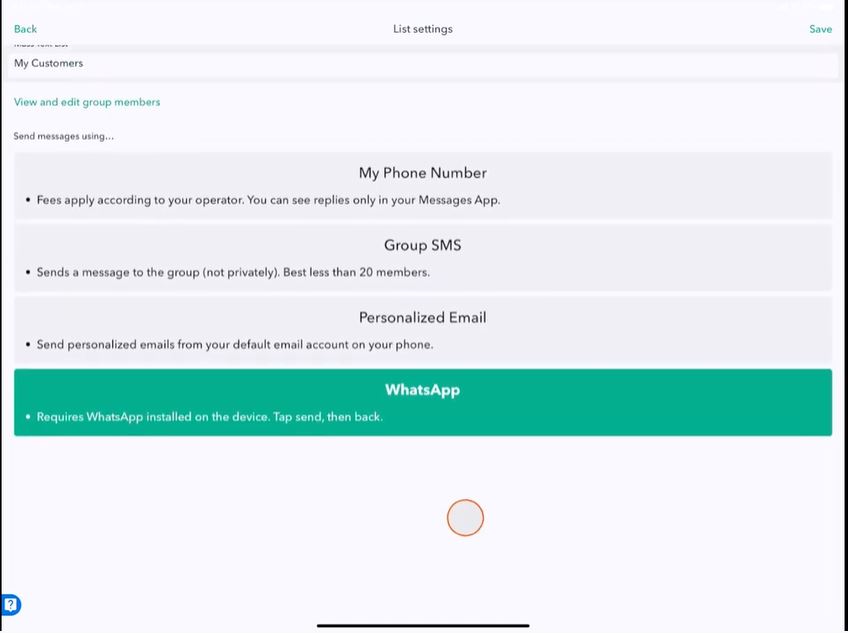
You might even have more sending options than what they're listed here. So feel free to read the description and change the settings by tapping the one you want to use and then clicking Save when you're ready.
So now My Customers will use My Phone Number.
I'll type, "Hi, ::firstname::!". Then tap Send Separately.
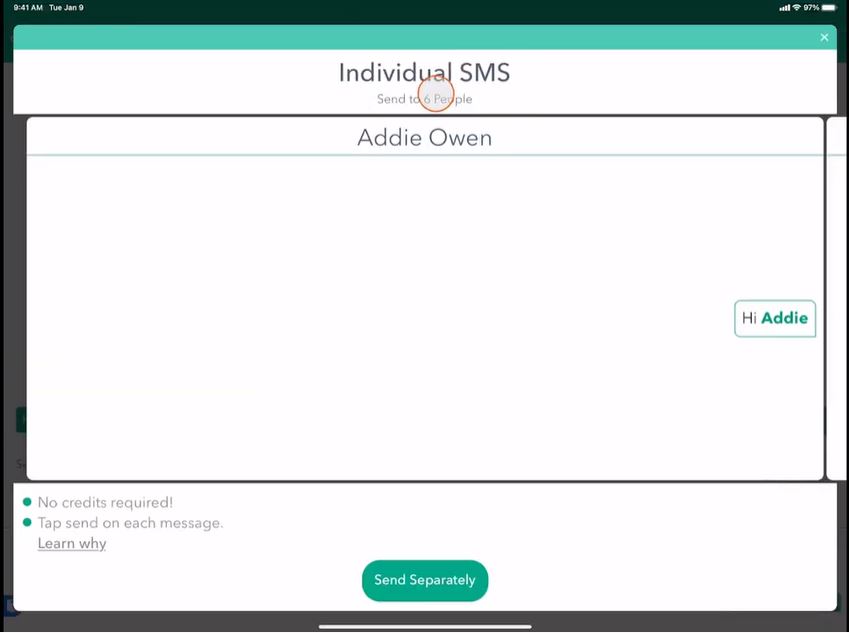
You'll see that it uses individualized SMS mode, which is what we want.
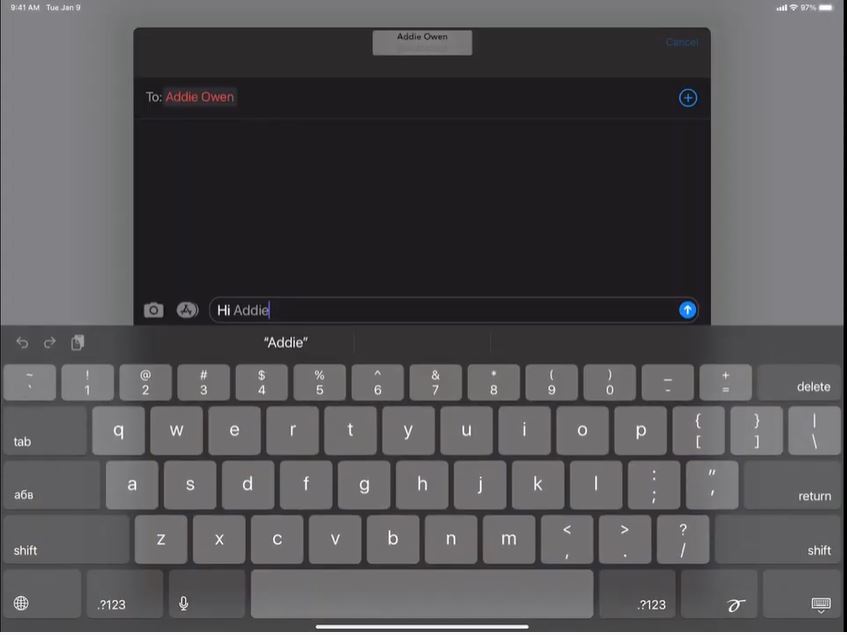
It pops up using the iMessage dialog. Press Send.
Let's go back to my list and change to Personalize Email mode.
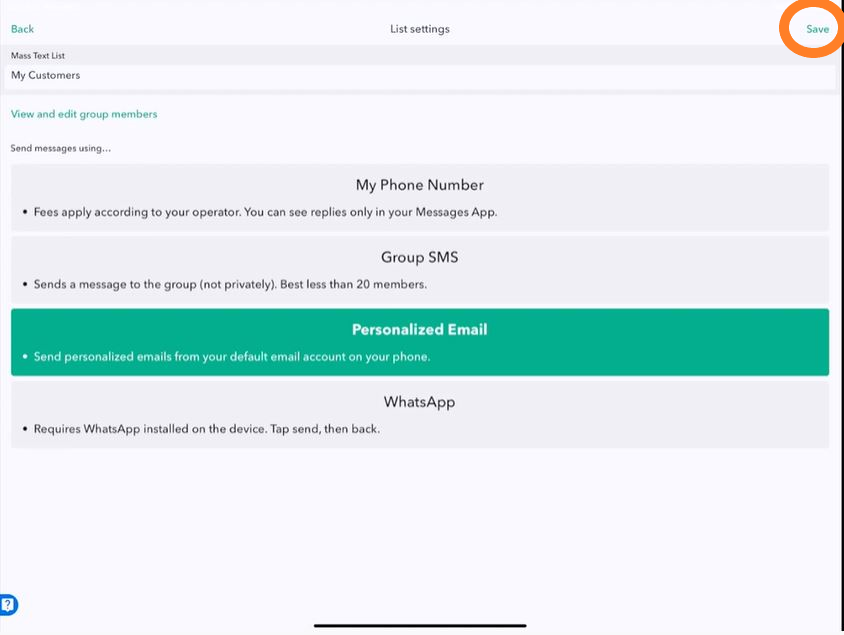
So, now that I'm on Personalized Email mode. I'll click Save and send the same message.
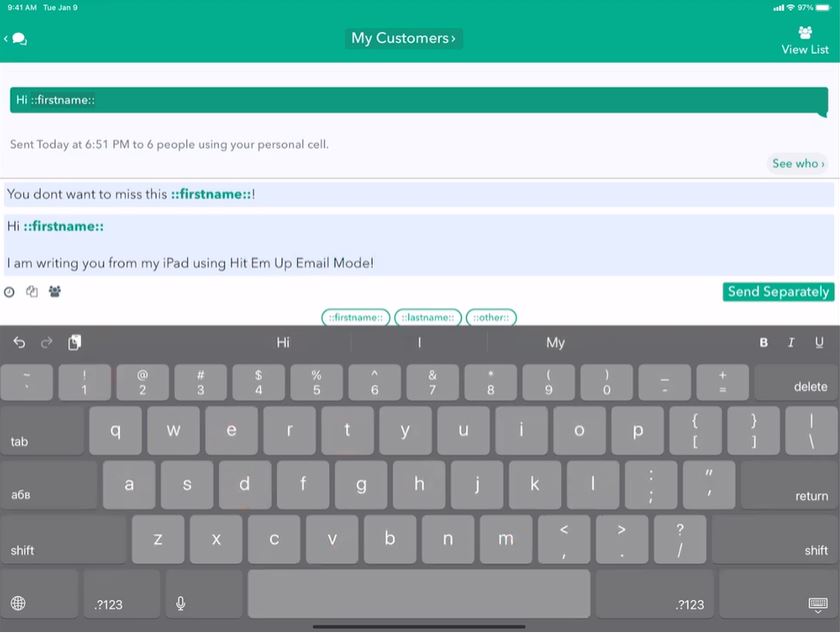
Great. There's a nice little message with a subject.
So here we have a preview of our email that we're going to send, and you'll notice it says personalized email at the top, and we can scroll through and see that that looks pretty good.
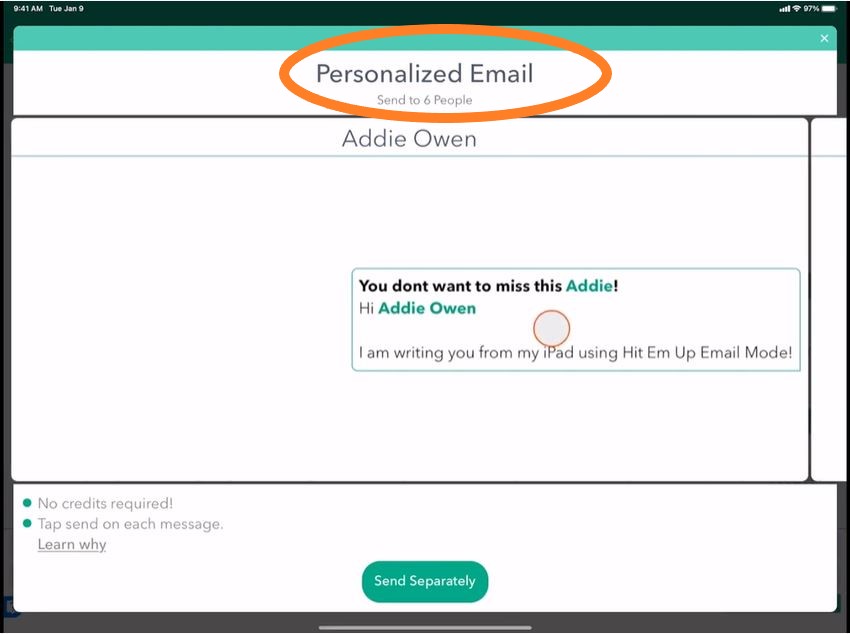
Click Send Separately.
And now we get the email dialog that pops up. Press Send.
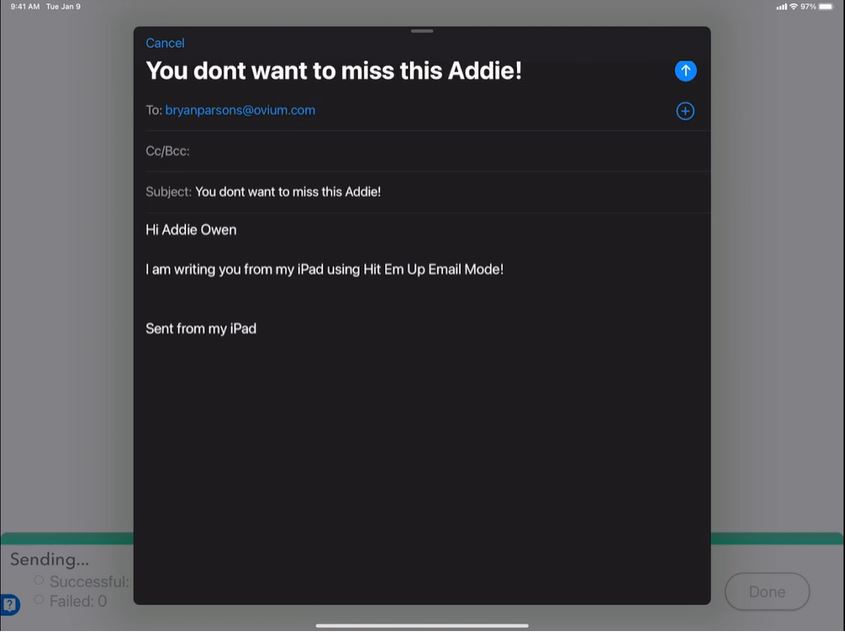
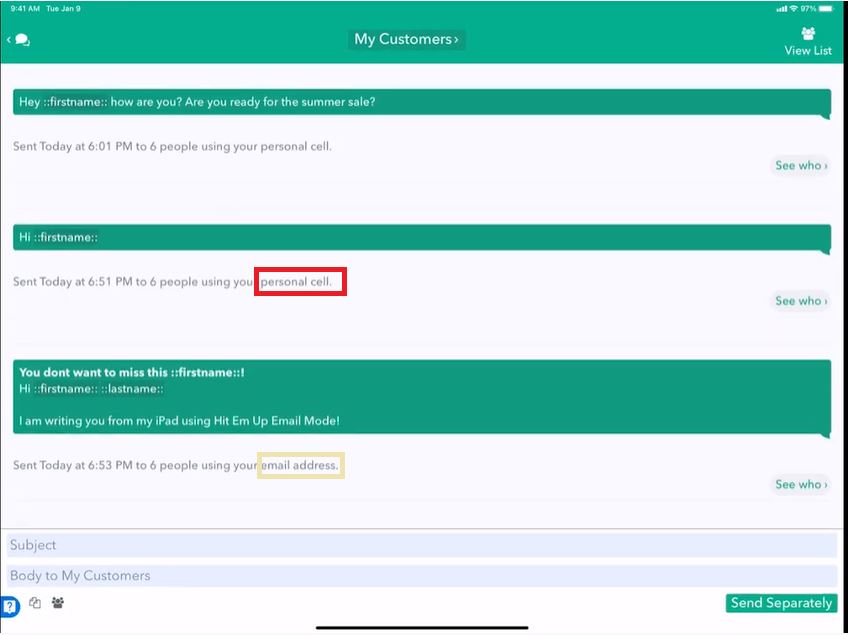
So you'll see that it'll show you which sending mode you use to send with here.
By the way, when you create a new group, you also are still given those options of which sending mode you want to use for that group by default.
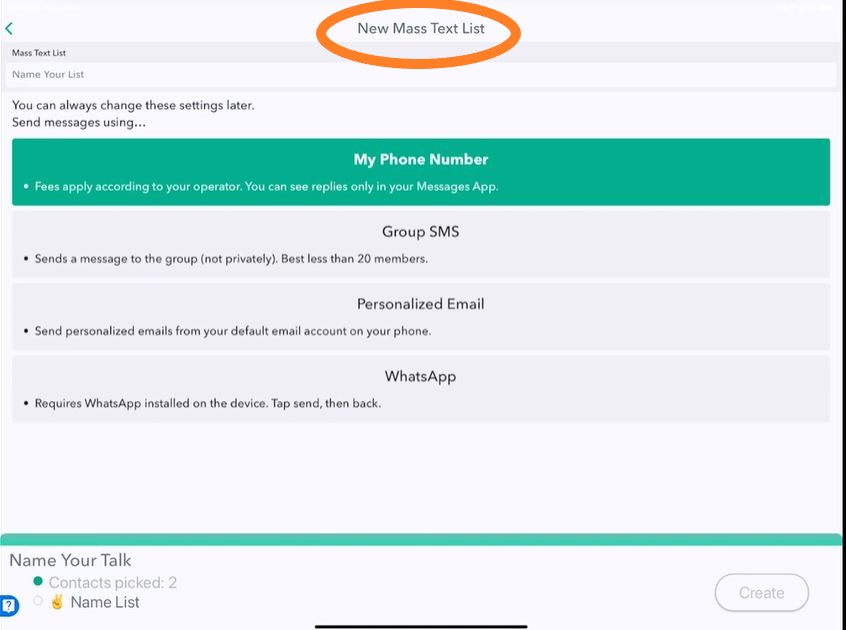
But you can always change them later, as you just saw. That's it for sending options.
Stay tuned for other great tutorials on our website and in the app.
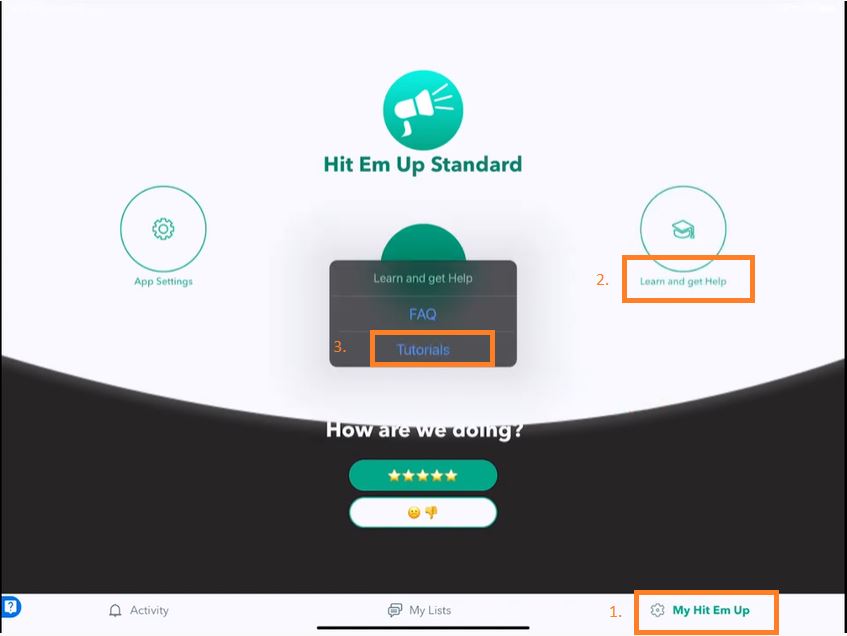
To find all of our tutorials, go to the My Hit Em up tab in the application, tap learn and get help, and then tutorials.
Have a great day! 😊